How Do You Add New Grades to NursingCAS After You Submit?
Use NursingCAS Academic Update to add eligible grades from planned or in-progress courses after verification. Submit the update, then follow NursingCAS’s instructions for sending the official transcript.
Sachi, CRNA
CRNA
In This Article (7 sections)
Our target-program checklists help you keep the course, transcript and school-follow-up tasks together. Try the seven-day CRNA Club trial for those planning tools and the application lessons while you track what each school still needs.
Is Academic Update the right process for your situation?
Start with the current NursingCAS Academic Update instructions. They distinguish eligible new grades from corrections to already verified coursework.
Academic Update requires at least one program in Verified status by the relevant update deadline. It supports changes to coursework originally marked planned or in progress, and has limits on older or already verified terms. If you entered the wrong grade on an old completed course, use the appropriate correction guidance instead of treating it as new coursework.
Before you edit, write down your situation in one sentence. For example: “My fall pathophysiology course was planned when I submitted, and the final grade is now available.” That helps you identify the right process without guessing from a button name.
Our NursingCAS application checklist explains the broader submission and status workflow. Keep this walkthrough for the narrower job of adding eligible new grades.
Which Academic Update dates should you use?
Use the cycle shown in your application. For the 2026–2027 NursingCAS cycle, the official Academic Update windows are:
- Fall I: December 14, 2026 to February 12, 2027.
- Spring/Summer: May 24 to August 20, 2027.
- Fall II: November 29, 2027 to January 7, 2028.
Submit by 11:59 p.m. Eastern time on the last day of your window. Check the official instructions again before you submit, especially if you’re using a different cycle.
Your program’s admissions review might have an earlier checkpoint. Ask whether a new grade arriving through a later update window would still be considered for your application. An open NursingCAS window doesn’t change a school’s decision timeline.
We suggest recording both dates in your program checklist: the application-service window and the school’s answer about when it needs the grade. That gives each deadline a specific job.
What sequence should you follow?
Keep the official instructions open while you work. For the current cycle, the route begins in Academic History and Transcript Entry, then the school’s Course(s) list and the relevant term.
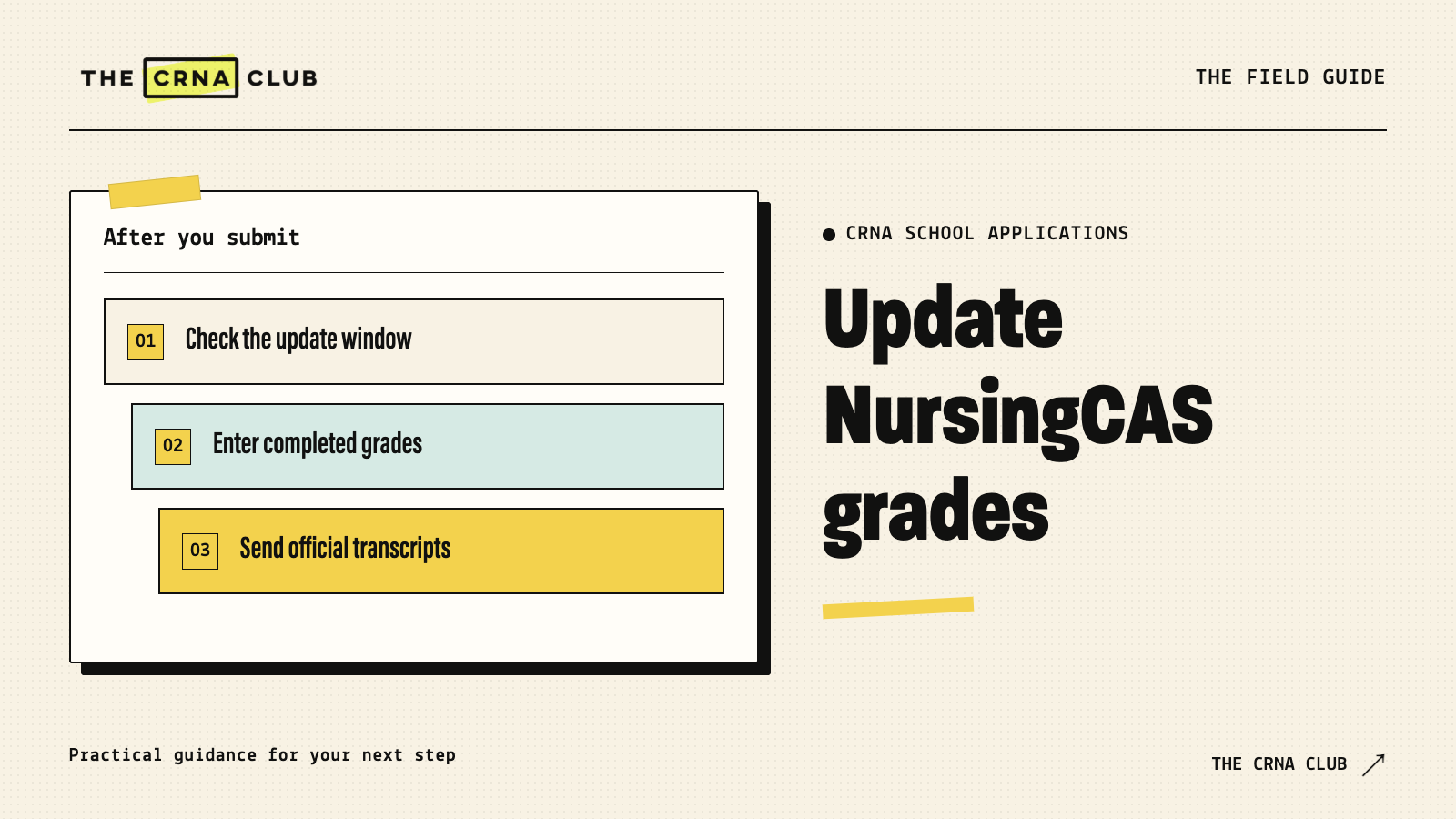
- Check your cycle and status. Confirm you’re using the matching update instructions.
- Review the completed term. Compare the credits and final grades with the actual record.
- Update the term and courses. Set the eligible term’s Completion Status to Completed, enter its final course credits and grades, then save and review before choosing Submit My Updates.
- Submit My Updates. Save the confirmation rather than assuming the edit sent itself.
- Follow the official transcript sequence. NursingCAS instructs you to arrange the updated official transcript after its successful-update confirmation.
- Confirm what happened next. Check the new record, any verification notice and the receiving school’s requirements.
Use the NursingCAS instructions if interface labels change. The application service’s current directions take priority over an old screenshot.
What if one grade is ready and another is still pending?
Don’t rush the update before checking the once-per-window grade-update limit. NursingCAS directs applicants to wait until the relevant final grades are available before submitting the term’s update.
Consider a fictional applicant with two fall courses. Pathophysiology posts its final grade on December 15. Statistics finishes December 20. The applicant checks the update deadline and the school’s review timing before deciding when to submit, rather than using the window immediately and assuming a second grade edit will be available.
The practical task is to coordinate the term, the transcript and the school’s review. If the timing doesn’t fit, ask the program how it wants to receive any permitted update. Don’t assume an emailed screenshot replaces an official transcript.
How should you tell a CRNA program about the new grade?
Follow its permitted update route. If it accepts a message, keep it brief:
I applied to [program/cohort], application ID [ID]. My [course] is now complete with [accurate grade]. I have [actual Academic Update/transcript status]. Please confirm whether you need any additional documentation and whether this update will be considered in the current review.
Avoid saying “my updated GPA is verified” until it is. NursingCAS’s application tips distinguish saving changes, submitting updates and monitoring status. Keep your own notes equally specific.
Our Final Thoughts
You worked for the new grade. Give its documentation the same care: the right cycle, an accurate update and a record of what reached each program. Then you’ll know whether anything still needs your attention.
Keep each update attached to its school
Use the seven-day trial to organize target-program checklists and application tasks. Keep official status checks in NursingCAS itself. Our planning tools help you track your work, rather than submit or verify it for you.