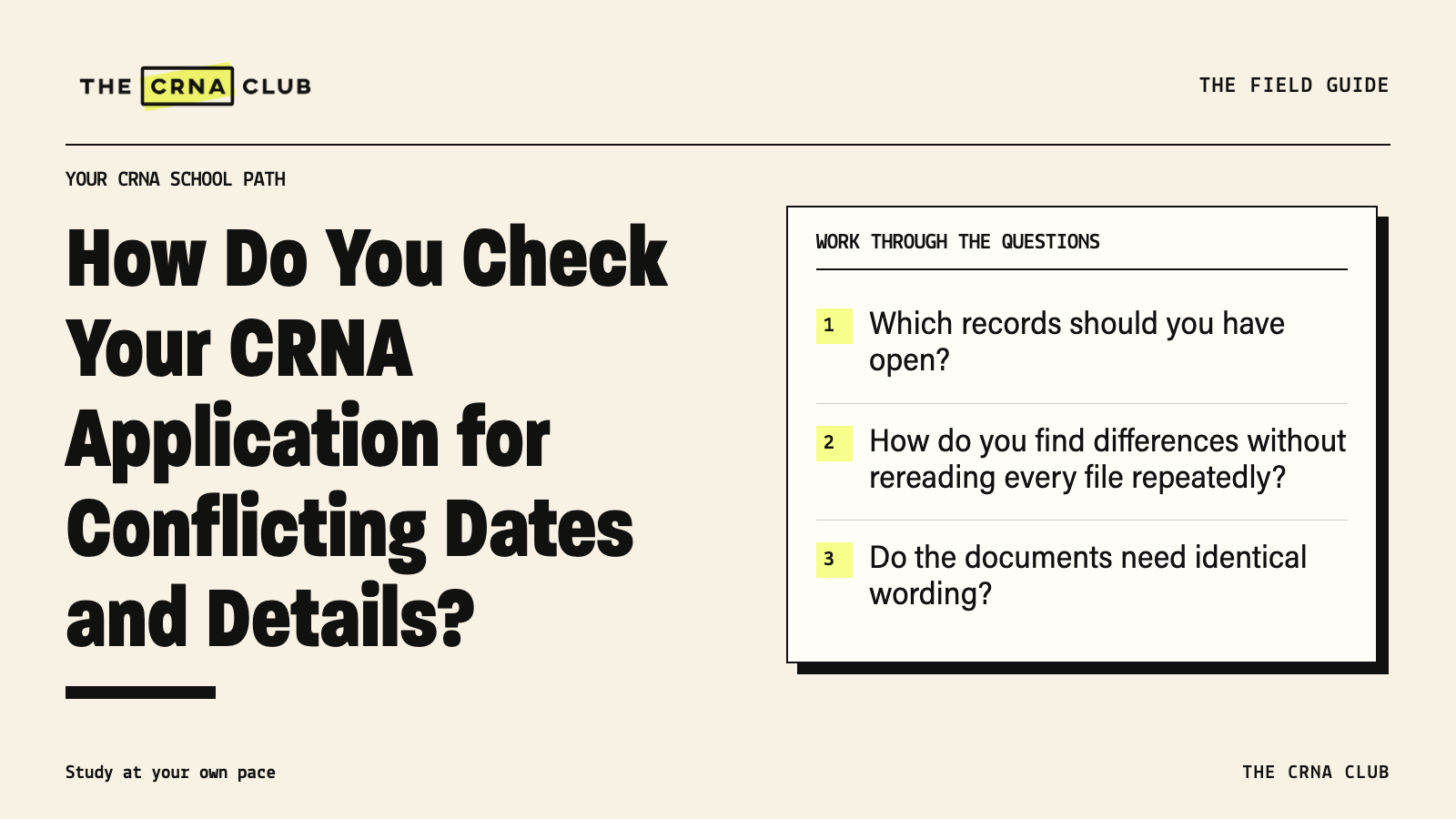
How Do You Check Your CRNA Application for Conflicting Dates and Details?
Before submitting your CRNA application, check the same facts across the resume, essays and portal. Do the employment dates agree? Is the degree still in progress? Are you describing your actual part in a project? A well-written paragraph won’t explain away two conflicting versions of the same experience.
Sachi, CRNA
CRNA
In This Article (7 sections)
After all the drafting and uploading, this is a chance to slow down and look at the application together. You don’t need to hold every date in your head to check whether the documents agree.
Use the program checklists in the seven-day platform trial to plan a final review for each school. Do it after the individual documents are edited, while you still have time to correct anything a late revision changed.
Which records should you have open?
Use the transcript, employment records and certificates rather than rebuilding dates from memory. Have your degree name and conferral date ready. Check job and assignment dates, earned credentials and their expiration dates. Use your shadowing log and project notes for those experiences.
If two records disagree, sort out the difference before copying it into another document. The application timeline guide helps you leave time for this review before the deadline.
How do you find differences without rereading every file repeatedly?
Let’s make the check easier to follow. Check one fact across the documents. Start with the ICU start date. Find it on the resume, in the portal and anywhere the essay mentions how long you’ve worked there. Then move to the degree and certifications.
That makes a mismatch easier to spot than reading the entire resume, then the entire essay, and hoping you remember every date.
A hypothetical worksheet might look like this:
| Fact | Resume | Portal | Essay or other document | What to check |
|---|---|---|---|---|
| ICU start date | Actual month/year | Same period | Timeline agrees | Correct a mismatched date |
| Degree | Earned or expected | Actual status | Same status | Update after conferral |
| Project role | Participant | Actual contribution | No claim of leading it alone | Explain your part consistently |
You don’t need every detail in every document. Check it wherever it belongs. Use your application planning tools to keep an unresolved question and the action needed to answer it.
Do the documents need identical wording?
The wording can differ. A form might ask for exact dates while your resume uses month and year. An agency employer and a hospital assignment are different names for different parts of the same job.
Explain those relationships. Don’t force the hospital name into an employer field if the agency employed you. If the degree was expected in an earlier draft and has now been awarded, update the status. The facts should agree even when the requested wording differs.
What about coursework and pending certifications?
Check coursework against the official transcript and NursingCAS’s entry instructions. Include required repeats, withdrawals and labs. A planned course still needs to be described as planned.
For certification, use what you’ve actually earned and its current status. Scheduling an exam isn’t passing it. If a school allows a pending item, call it pending and track what still needs to be sent.
What should you check after uploading?
Open the uploaded PDFs. Is it the right version? Does it name the correct school and answer its prompt? Check the page breaks and limits. Similar filenames make it easy to attach an older draft.
Preview or download the final application when the portal allows it. Then read the deadline wording again. Does the school need submitted, complete, verified or another status? Save the receipt and keep checking afterward. Our NursingCAS application checklist covers that wider process.
Our Final Thoughts
You have done a lot of separate work to reach this point. Give it a final check together, starting with one fact and following it across the documents. Leave time to correct what you find and open the uploaded files before you submit.
Give each school a final application check
Use the checklists in the seven-day platform trial to organize the last document checks and follow-up tasks. Keep the school’s required deadline status beside them as you finish.